Cryptojacking Attacks: How to Stop Them
Your computer feels slow and hot for no reason. Cryptojacking attacks might be the hidden cause.
🔑 Key Takeaways
- Cryptojacking attacks hijack your device to mine cryptocurrency in secret.
- You pay in slow speed, high power bills, and worn-out hardware.
- Updates and anti-malware block the ways most attacks get in.
- A slow, hot, loud device is the most common warning sign.
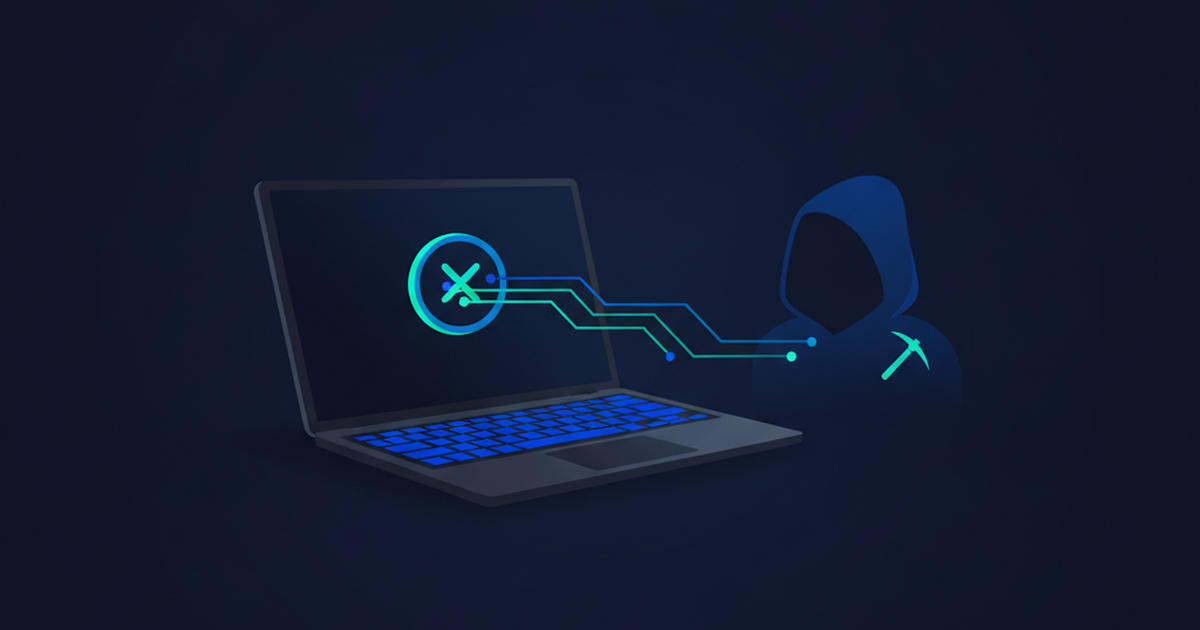
Cryptojacking attacks hijack your device to mine cryptocurrency without your knowledge. In a cryptojacking attack, hidden software uses your computer’s power to earn digital coins for someone else. You pay the price in slow performance, higher electricity bills, and worn-out hardware. Because they stay quiet on purpose, many people never notice. This guide explains how cryptojacking attacks work, the warning signs to watch for, and the simple steps that keep them off your devices.
How cryptojacking attacks work
Cryptocurrency mining means solving hard math puzzles to earn coins. It takes a lot of computing power. Attackers do not want to pay for that power, so they quietly borrow yours instead.
These attacks reach your device in two main ways. Some hide in a file you download or an app you install. Others run inside a web page, mining while your browser is open, then stopping when you close the tab.
Either way, the goal is the same. Use your machine quietly, for as long as possible, without getting caught.
Warning signs of cryptojacking attacks
- Your device runs slow even with few programs open.
- The fan runs loud and the case feels hot.
- The battery drains faster than normal.
- Your electricity bill creeps up with no clear reason.
One sign alone may be nothing. Several together are a red flag worth investigating.
Mining is loud, hot, and hungry for power. That is why cryptojacking hides in the background and hopes you blame an old, tired computer.
How to prevent cryptojacking attacks
A few basic habits keep miners off your machines. None of them cost money, and each one takes just a few minutes to set up.
Keep software updated
Updates fix the security holes attackers use to slip mining software onto your device. Turn on automatic updates for your operating system, apps, and browser. This closes the door many of these threats rely on.
Use anti-malware protection
A good anti-malware tool can spot and block mining software before it runs. Most modern operating systems include solid protection for free. Keep it switched on and let it update itself.
Be careful what you click and install
Many cryptojacking attacks arrive through fake downloads or malicious ads. Only install apps from trusted sources. Watch out for phishing links too. Our guide to spotting phishing helps you avoid the traps.
Block mining scripts in your browser
Browser-based mining runs through scripts on web pages. A reputable ad blocker or script blocker stops many of them. Keeping your browser updated helps as well.
How to check your device right now
You can run a quick check in a couple of minutes. No special tools needed.
On a Windows PC, open Task Manager. On a Mac, open Activity Monitor. Both show which programs use the most processor power. If something you do not recognize is near the top, and your fan is roaring, that is a warning sign.
Close your browser and watch what happens. If the load drops right away, a web page may have been mining through your browser. If it stays high with nothing open, hidden software is the more likely cause. Either way, run a full anti-malware scan next.
Phones and smart devices are targets too
Mining is not just a computer problem. Phones, tablets, and smart-home gadgets all have processors, and all of them can be hijacked.
On a phone, the signs are the same: heat, a fast-draining battery, and sluggish apps. Bad apps are the usual way in, so install only from official app stores and remove apps you no longer use.
Smart devices are trickier because they have no screen to warn you. Change their default passwords, keep their software updated, and buy from brands that release regular updates. An ignored camera or plug is an easy target.
What to do if you are already hit
- Disconnect the device from the internet to cut off the attacker.
- Run a full anti-malware scan and remove anything it flags.
- Update your browser and remove extensions you do not recognize.
- Change important passwords from a clean device.
- Watch performance for a few days to confirm it is gone.
For businesses, isolate the affected computer from the rest of the network first. That stops the infection from spreading to other machines.
Why criminals bother with your device
One home computer earns an attacker very little. That is the point. They do not target one machine. They infect thousands of machines at once and add up the tiny gains from each one, which quietly turns a small trickle into real money.
Your device costs them nothing to run. You pay the power bill and the wear. From the attacker’s side, that is free money with almost no risk of getting caught. Businesses make an even better target, because a single server can mine around the clock.
How this threat differs from ransomware
Ransomware wants you to notice. It locks your files and demands payment. This threat wants the opposite: to stay hidden for as long as possible.
That difference changes how you catch it. With ransomware, the damage is loud and instant. Here, the only clues are a slow, hot device and a creeping power bill. Staying alert to those small signs is your best early warning. Trust your senses when a machine feels wrong, and check it rather than shrug it off.
The future of cryptojacking attacks
Attackers keep finding new ways to hide. They disguise mining code inside normal-looking apps and slip it into online ads, a trick called malvertising. Connected devices, like cameras and smart plugs, are new targets because they are easy to overlook.
The defense does not change much. Updates, anti-malware, careful clicking, and a watchful eye stop the vast majority of cryptojacking attacks. For free, trusted advice, see CISA and the US FTC.
Frequently Asked Questions
What are cryptojacking attacks?
They are attacks that secretly use your device to mine cryptocurrency for someone else. They run in the background so you do not notice.
Are these attacks dangerous?
They rarely steal files, but they wear out hardware, waste power, and slow you down. On business networks they can spread and cost real money.
How do I know if I have been cryptojacked?
Watch for a device that is slow, hot, and loud with nothing heavy running. A rising power bill is another clue.
Can my phone be a target?
Yes. Phones and tablets can be hit through bad apps or web pages. Keep them updated and install only from official stores.
How do I remove the mining software?
Disconnect from the internet, run a full anti-malware scan, update your browser, and remove unknown extensions. Then change key passwords.