Secure Code Signing: A Beginner’s Guide to Getting It Right
Every app you install asks you to trust it. Secure code signing is the invisible stamp that proves the software is really from who it claims to be, and that no one tampered with it on the way to you.
🔑 Key Takeaways
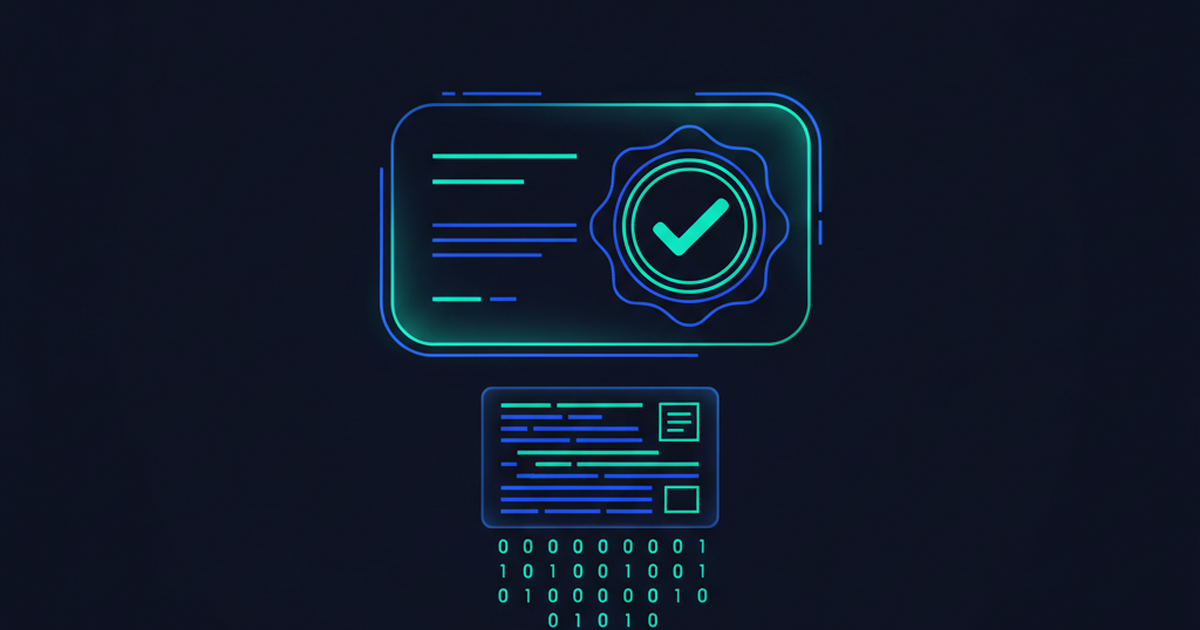
- Code signing is a digital seal that proves software is genuine and unaltered.
- Stolen signing keys let attackers disguise malware as trusted software.
- Secure code signing rests on four habits: protect keys, control signing, fit it into your workflow, and audit it.
- You do not need to be a developer to understand why this protects you.
Not long ago, we downloaded software and simply trusted it. That era is over. More software means more opportunities for attackers, and one of their favorite tricks is slipping malware into something that looks legitimate. Secure code signing is the defense built to stop exactly that. It uses cryptography, the math of digital locks and keys, to prove that a piece of software came from a real source and was not changed after it was made.
Think of it like the wax seal on an old letter. If the seal is intact and bears the right mark, you know the letter is authentic and unopened. If the seal is broken or wrong, you stop and ask questions. This guide explains how it works and how to do it well.
What Secure Code Signing Actually Does
When a developer signs code, they use a private key to attach a unique digital signature to the software. Your device then checks that signature against a matching public key. If the two agree, your device knows two things: the software came from the stated publisher, and no one altered it along the way.
If software is downloaded from an unverified source, or the signature is never checked, you lose both of those guarantees. That is a serious risk. Over the past decade, several well-known companies suffered attacks that abused code signing, which shows how damaging a broken seal can be. That is exactly what this seal closes off.
A signing key in the wrong hands is worse than no key at all. It lets an attacker wrap malware in a trusted label, so your defenses wave it right through.
Common Roadblocks to Secure Code Signing
The need is clear, yet many organizations struggle to do it well. The usual obstacles are practical, not technical.
- Speed versus safety: Teams fear that extra security steps will slow down releases.
- Messy workflows: Fitting signing into existing development tools is harder than it sounds.
- Scattered teams: Giving remote developers safe access to signing keys without exposing those keys is a real challenge.
- Valuable targets: Signing certificates sell for high prices on criminal markets, so attackers hunt for them.
Four Steps to Secure Code Signing
Any organization can overcome those roadblocks. Secure code signing comes down to four habits that build on each other.
1. Protect your private keys
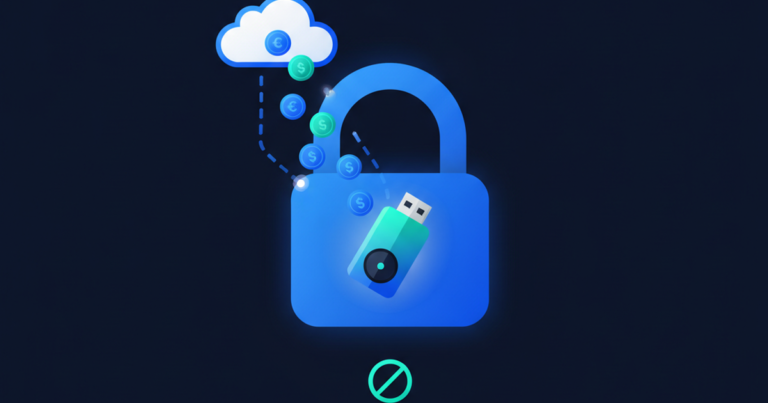
The private key is the whole game. If it leaks, an attacker can sign malicious code that looks completely legitimate. Yet keys are often left on developer laptops or build servers, which is like taping your house key to the front door. Store keys in a hardware security module (HSM), a tamper-resistant device built to guard secrets. Keep an inventory of every key and manage them in one central place.
2. Secure the signing operation itself
Protecting the key is only the start. A determined attacker who gains access can still request a signature and slip malware into your supply chain. To prevent that, limit who can approve and run signing. Define clear roles so no single person holds all the power. Set written policies, and watch signing activity for anything unusual. The free resources at NIST are a solid reference for building these controls.
3. Fit it into your existing workflow
Security that gets in the way gets bypassed. The goal is to make signing almost invisible to developers while keeping keys locked down. Build the signing step into your normal release process rather than bolting it on. Choose tools that let developers sign from anywhere and connect to the systems they already use. When signing feels effortless, people actually follow it.
4. Monitor and audit over time
Security is never finished. Certificates expire, old algorithms weaken, and threats keep changing. Review your practices regularly so teams do not drift back to risky shortcuts. Keep a complete log of who used which key and when. Follow a clear routine for issuing, renewing, and revoking certificates. For supply chain guidance, CISA publishes practical, vendor-neutral advice.
Why This Matters for Small Businesses Too
You might think secure code signing is only a concern for giant software companies. It is not. If your business builds apps, scripts, or internal tools, your signature is your reputation. A single abused key can push malware to every customer who trusts your name. Even if you only buy software, understanding signing helps you ask vendors the right questions and choose partners who take it seriously.
Here is a simple way to picture the stakes. Your signature is a promise to every user that the software is really yours. If an attacker steals the key behind that promise, they can break it in your name, and your customers have no easy way to tell the difference. Rebuilding that trust after an incident costs far more than protecting the key in the first place.
Start with one habit. Move your keys into proper storage this quarter, then tackle access controls next. Code signing is a journey of steady improvements, not a single purchase. Each step you finish makes the fake version of your software harder to fake.
As a regular user, you have a role too. When your device warns that software is unsigned or from an unknown publisher, do not brush the warning aside. Download apps only from official app stores and the software maker’s own website, never from random links in emails or ads. Those small habits work hand in hand with the signing controls described above, and they build on the same cybersecurity basics that keep bad software off your machine.
Frequently Asked Questions
What is secure code signing in simple terms?
It is a digital seal on software. It proves the software came from a real publisher and that no one changed it after it was signed.
What happens if a signing key is stolen?
An attacker can sign malware so it appears to come from a trusted source. That is why protecting the private key is the top priority.
Do I need a hardware security module?
For anything important, yes. An HSM keeps the private key in tamper-resistant hardware, so it cannot be copied off a laptop or server.
Is secure code signing only for big companies?
No. Any team that distributes software benefits, and even buyers gain by knowing which questions to ask their vendors.
How often should we review our signing setup?
At least once or twice a year. Certificates expire, algorithms age, and a regular review keeps your protection current.